
Convos can notify you by email or on your personal mobile phone when a text comes in, making it easy to respond right away.
How to Enable Notifications
Log into your Convos account.
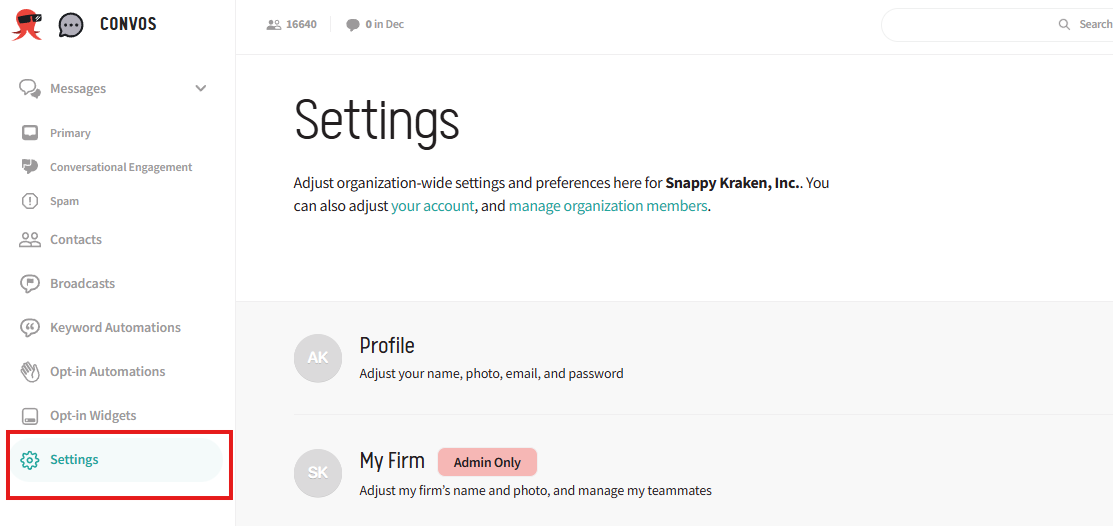
Locate the Settings option on the left side of the screen.
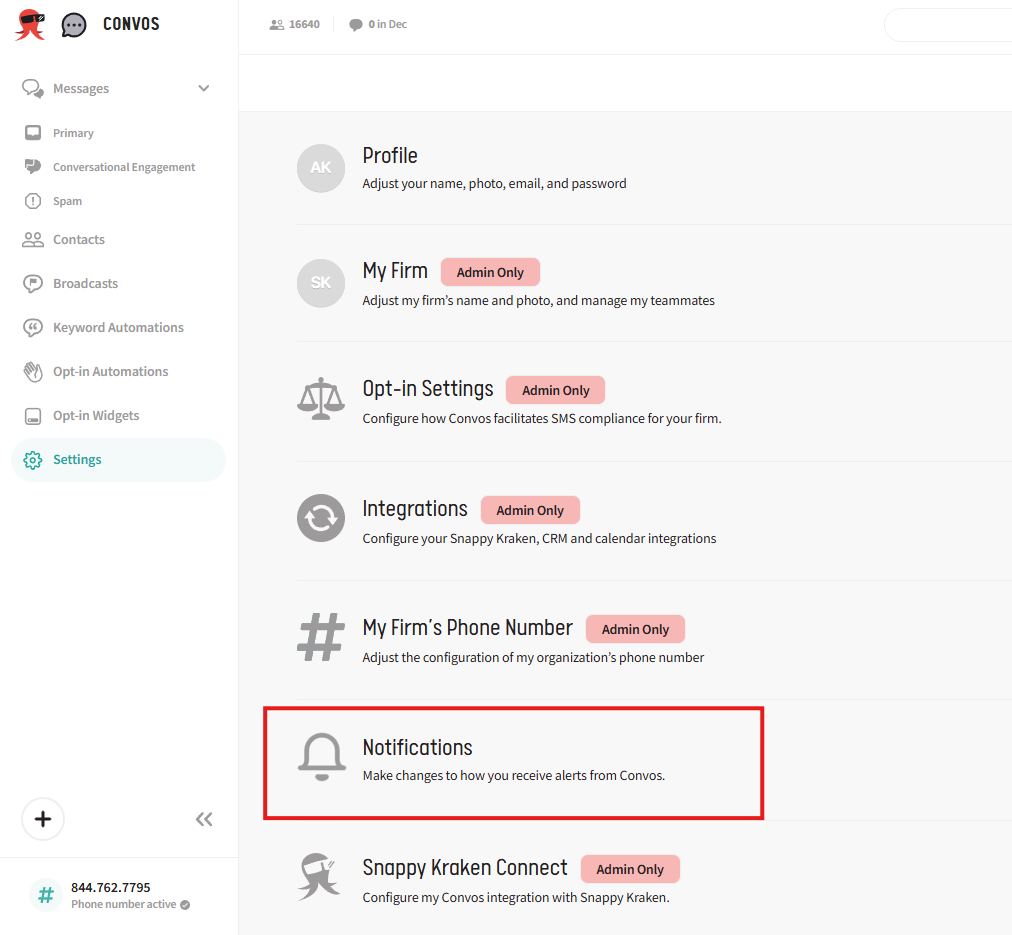
Scroll down within the Settings menu.
Click on the Notifications section to open it.
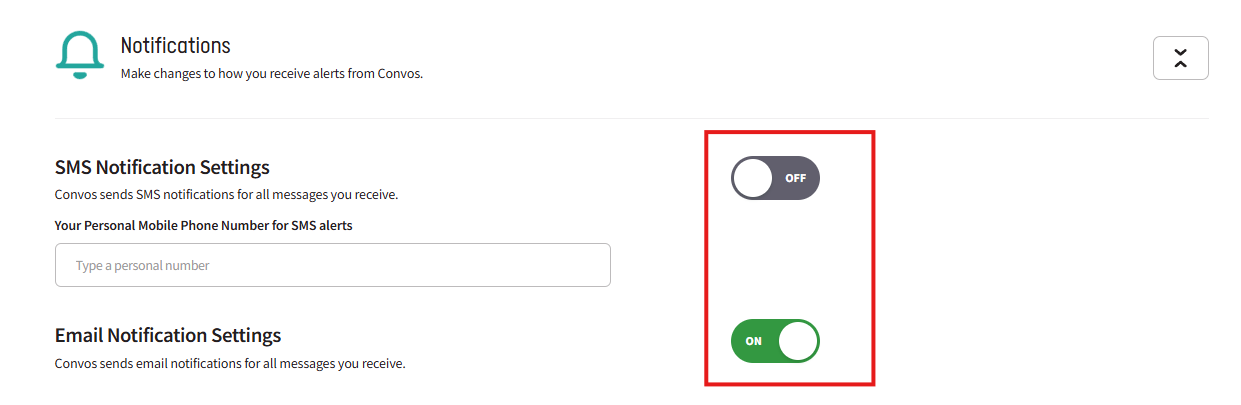
Toggle either Email or SMS notification settings on or off as you need.
If using an SMS notification, add your personal mobile phone number to start receiving text message notifications on the number provided.
Cautionary Notes
Each user can configure their own notification settings. Individual team members may choose to receive email or SMS notifications based on how your account is managed.
To receive SMS notifications, be sure to add your personal mobile phone number, not your Convos phone number. Adding the Convos phone number will create a message loop and result in continuous, never-ending messages.